
Amazon Echo
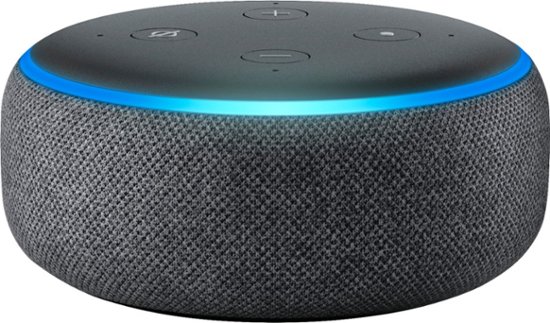
Instructions below to enable the 104.3 The Fan Skill on your Echo Device:
- Purchase an Amazon Echo device
- Download the FREE Amazon Alexa App to your smartphone or tablet
- In the Amazon Alexa App, go to the skills tab and search 104.3 The Fan
- Click on the skill
- Tap the enable button on the skill
- The skill will now appear in “Your Skills” in the Skills tab
To operate the skill, just ask “Alexa, open one oh four three the fan.”

Comments
0 Comments